
POS on your phone: sell without a computer, even without signal
Selling from a phone or tablet? What to prepare, how the receipt copy reaches the customer, which receipt printer to pick and how to sell with no signal.
You don't need a computer to sell and issue a receipt. A phone or tablet with a browser is enough, and a small receipt printer hands the customer their copy on the spot.
This guide is for anyone selling at a stall, a fair, from home or at the customer's place. It covers what to prepare on the phone, how the copy reaches the customer, how to work when there's no signal, and which printer to choose.
In short
- A phone or tablet with a browser is enough to sell and issue a receipt. A computer isn't required.
- You issue a receipt for every payment, and a copy goes to the customer.
- The simple way to give a copy: a small receipt printer next to the phone or tablet.
- A receipt by email is allowed under the conditions of section 18B of the bookkeeping directives, including the customer's advance consent.
- No signal: practice offline mode before day one, and check what works without a network and what doesn't.
- Before you buy a printer: check that it's on your POS's supported list and that the connection suits your device.

What you need to sell from a phone
A POS that runs in the browser needs no installation on a computer. You open your business link on the phone, sell, and the receipt is saved in the system. The difference between devices is mostly comfort:
- Phone — Fits: Stall, fair, selling at the customer's place, few products; Less convenient: Small screen, hard to show the customer the total
- Tablet — Fits: Fixed stall, small shop, big catalog; Less convenient: One more device to charge and look after
- Computer — Fits: Fixed counter; Less convenient: Doesn't move with you
Before day one, prepare the phone the way you'd prepare a register:
- Battery. A lit screen and weak signal drain the battery fast. Bring a power bank and a cable.
- Notifications. Silence personal messages while you work. You don't want a private message popping up in front of a customer.
- Screen lock. Set a longer lock time so the screen doesn't lock in the middle of a sale.
- Saved link. Save the link to your POS on the phone's home screen.
- Network backup. If you have a second phone, set up a hotspot on it in advance.
How to make your first sale, step by step, is in our guide to your first sale. And what else a small business needs from day one is in the complete guide for an osek patur and osek zair.
How the receipt reaches the customer
Under the Income Tax directives (Maintenance of Accounting Books), a separate receipt is issued for every payment, and one copy goes to the payer (section 5). What a receipt must include and when it's required is in our guide to the receipt obligation. Here we stay with how the copy gets to the customer.
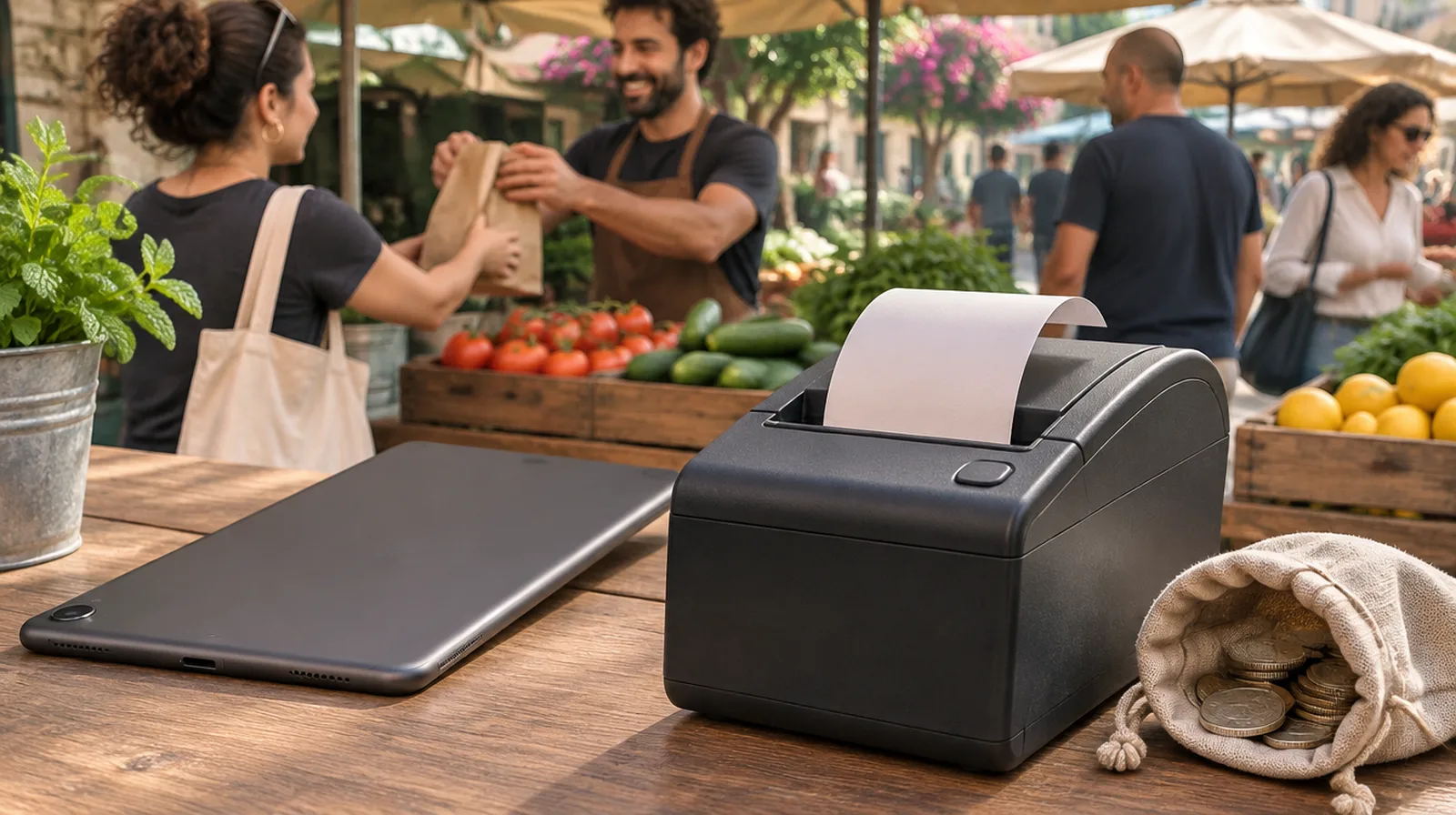
A printed copy is the simple way. A small receipt printer sits next to the phone or tablet, the customer gets paper, and you're done. Your copy stays in the POS: in a computerized system, the directives require that you can produce a readable copy of any receipt at any moment (section 18(b)).
A copy by email is allowed under section 18B, with conditions: the customer agreed in advance to receive computerized documents, the receipt says "computerized document" (מסמך ממוחשב) and carries an electronic signature, and by the wording of the section a notice was also sent to the assessing officer before the first document. And an email a customer gave you for a receipt is not consent to send them promotions (Communications Law, section 30A).
Working without signal
At a market, a fair or the basement of an event hall, the signal disappears exactly when there's a queue. Offline mode lets you keep selling, but not everything works in it. Check three things in your POS ahead of time:
- What can you do without a network? Cash? Cheque? Recording a card payment? Refunds and cancellations? Write down what works and what waits for a connection.
- Does the POS open without a network? And if so, only if you logged in earlier with a connection? To be safe, open the POS at home, on Wi-Fi, before you leave.
- How many sales are kept? And what happens when the network comes back: do the sales upload by themselves, or do you need to press something?
Five minutes of practice at home saves a bad day: turn off mobile data, sell yourself something small for cash, turn the network back on and check the sale was saved. And the card terminal? It depends on its own network, not the POS. Test it on site too.
With us, in Kupahinam: the POS runs in the browser on the phone, tablet or computer you already have, and prints a receipt for the customer on a receipt printer. The POS screens come in five languages, and receipts come out in Hebrew. Without internet, a POS that is already open keeps selling for cash and cheque, up to 300 sales in a row, and they upload when the connection returns. Cards, refunds and cancellations wait for the network. Without a network, the POS opens only for someone who signed in with a connection in the last 30 days.
A receipt printer: what to check before you buy
A small printer gives the customer a copy within seconds. It's especially worth it when there's a queue, when most payments are cash, or when you want a cash drawer, because the drawer plugs into the printer and opens through it.
Before you buy, check three things:
- Fit with your POS. Every POS works with its own list of printers. Buy only a model that appears on your POS's list (for KupaLi: the supported hardware page).
- Connection type against your device. A USB printer suits a counter with a computer. For a phone or tablet that moves with you, check in advance which connection works with that specific device.
- Paper width and spare rolls. Buy rolls in the width the printer takes, and keep one roll in your bag. A roll that runs out in the middle of a fair leaves customers without a copy.
What else is worth buying, and what isn't, is in our equipment guide for a free POS.
Four mistakes phone sellers make
- Selling at 15% battery. The phone dies, the sale is stuck and the customer waits. A power bank is part of your POS.
- Card payments that aren't recorded. The customer paid at the terminal, and nothing was recorded in the POS. At the end of the day, compare the card total in the POS with the terminal report. How to accept and record each payment method is in our guide to cash, Bit and card.
- Two methods at once. Receipts in a book one day and on the phone another creates two lists that don't reconcile. A paper book is a backup for a failure, not a working method.
- A printer nobody tested. First connected on the day of the sale, and it won't pair with the phone. Test one print at home, on the same device.
Selling mostly away from a shop? The guide to fairs, pop-ups and selling from home covers what to prepare for each kind of event.

A free POS on the phone you already have Kupahinam runs in the browser on a phone, tablet or computer: 300 receipts a month, printed for the customer on a receipt printer, unlimited products, offline mode and a Z report (דוח Z) by email to your accountant. No credit card. Open your free POS
This information is based on the Income Tax directives (Maintenance of Accounting Books) and the Communications Law as published to the public, as of November 2026. It is general and is not tax or legal advice. Before changing how you work, check the details with your accountant.
FAQ
Can I issue a receipt from a phone without a computer?
Yes. A POS that runs in the browser issues a receipt on a phone or tablet. You print the customer's copy on a small receipt printer, or send it by email under the conditions of section 18B of the bookkeeping directives.
Is an emailed receipt legal for an osek patur too?
The conditions of section 18B apply to anyone who keeps books, whatever the VAT classification: customer consent, the words "computerized document", an electronic signature and notice to the assessing officer. Check with your accountant that everything is in order before you start.
What happens to receipts when there's no internet?
It depends on the POS. In a POS with offline mode, sales are saved on the device and uploaded when the connection returns. Check in advance which payment methods work without a network, and keep a handwritten receipt book for a failure.
Which receipt printer fits a phone?
There's no single answer. Check your POS's hardware list for which connection works with your device: USB, Bluetooth or network. Buy only a model on the list, and test one print before the day of the sale.
Written with AI help and fact-checked
Start free
One branch. One user. 300 receipts a month. ₪0 for the software.
Offline mode — keep selling when the internet drops
Start at ₪0 and grow with us whenever you’re ready: Register ₪79 or Smart POS ₪119 per branch per month + VAT — same account, all your data.
This content is published on a site run by KupaLi. General professional information does not replace advice suited to your business.