
Selling outside a store: fairs, pop-ups, from home and on Instagram
Selling at a fair, pop-up, from home or on Instagram? Which license you need, what to tell the customer, 14-day cancellation, receipts and a prep list.
You don't need a shop to sell. A Hanukkah fair at the community center, a table at a high-tech company's staff fair, a corner in a friend's boutique, orders going out from your home, or selling through Instagram messages. In each of these the rules are a little different: who needs a license, what you tell the customer before they pay, and how to issue a receipt when there's no counter.
Here you'll find what to check in each scenario and what to prepare the night before.
In short
- Only a business listed in the Business Licensing Order needs a business license. Preparing food for sale, including delivery, is listed.
- A fair has its own license, held by whoever runs it. At an outdoor fair, ask the organizer whether you need a permit of your own too.
- Selling to the public outside a permanent structure is peddling under the law. In the street or a square you need a license or permit from the local authority.
- Customers coming to your home? You may need a non-conforming-use permit from the planning and building committee.
- On Instagram: before the deal, you disclose to the customer your name, ID number, address, price and cancellation terms. They can cancel within 14 days.
- Everywhere: a price on every item, and a receipt close to the payment.
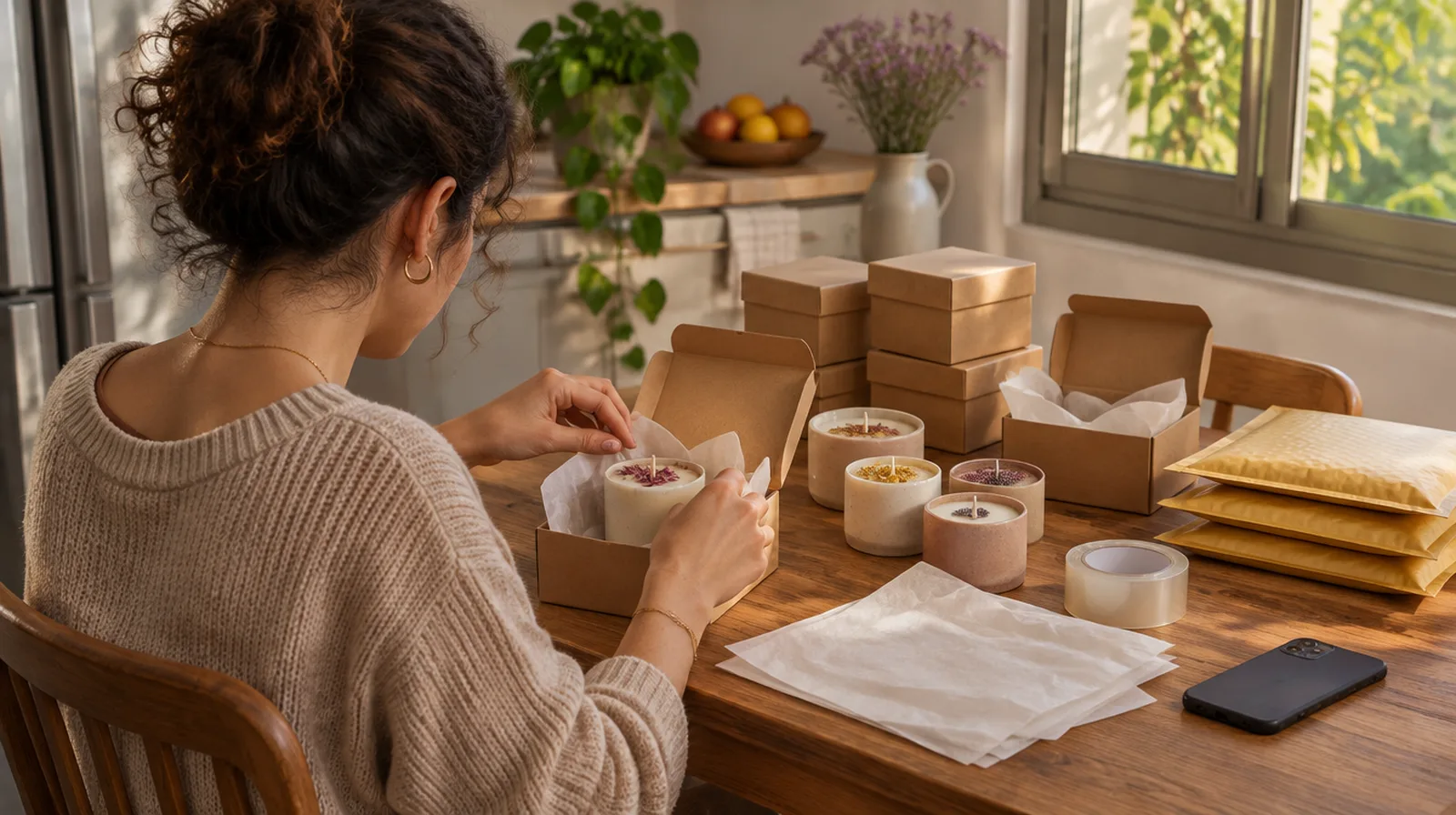
What every place to sell has in common
Before we break it down by scenario, four things apply everywhere, on a folding table at a fair and in an Instagram message alike:
- An open dealer file. Regular selling at fairs or online is a business for all purposes. Haven't opened one yet? The guide for an osek patur and osek zair shows what to open and in what order.
- A receipt for every payment, close to the payment. That is what the bookkeeping directives require, and a copy goes to the payer. What a receipt must contain is in the guide to the receipt obligation.
- A price on the item. The Consumer Protection Law requires a dealer who offers or displays goods to a consumer to show the total price on the item or its packaging, in shekels and where it can be seen. That includes a table at a fair.
- A file for the documents you receive. An osek patur (עוסק פטור, VAT-exempt dealer) must keep at least receipts (or a daily takings book) and a file of documents received from others. A receipt for a fair participation fee or an invoice from a supplier goes there.
Which license do you need? A table by scenario
The Business Licensing Law says a business that requires a license operates only with a license, a temporary permit or an expedited permit. What requires a license? Only what appears in the Business Licensing Order (businesses requiring a license). A business that isn't on the list doesn't need a business license.
- A fair or artisans' market organized by someone else — Business license: A fair outside a permanent structure is item 7.7ז in the order, and a food fair is 7.7י. The license is held by whoever runs the fair. A fair inside a building, such as a community center, is held in a place that needs its own license (item 7.7א); What else to check: At an outdoor fair: does the fair's permit cover you, or do you need your own peddling permit. And what is required of someone selling food; Who to ask: The organizer, and the local authority's business licensing department
- An independent stand in the street, a square or on the beach — Business license: Peddling, item 6.9 in the order. Food peddling is 6.9א; What else to check: The authority may ban peddling in certain areas and limit the number of licenses; Who to ask: The local authority's business licensing department
- A pop-up in someone else's shop — Business license: The shop has a license for its own business type, if that type needs one; What else to check: Don't assume its license covers you too, especially with food; Who to ask: The venue owner and the local authority
- Working from home with no customers coming — Business license: Only if the business type is in the order; What else to check: Usually no non-conforming-use permit is needed; Who to ask: The business licensing department, if in doubt
- Customers coming to your home — Business license: Only if the business type is in the order; What else to check: A non-conforming-use permit for the apartment may be needed; Who to ask: The local planning and building committee
- Food you prepare and sell or send — Business license: Requires a license: preparing food for sale away from the place of preparation, including delivery, is item 4.2ג; What else to check: The specification includes a Ministry of Health chapter; Who to ask: The local authority and the district health office
The numbers in the table are the item numbers in the order. When you phone the authority, ask about them by number. It saves a long call.
A fair or artisans' market: what to ask the organizer
The fair itself is a business. The official specification for item 7.7ז defines the "business owner" as whoever asks to run it, meaning the organizer. Your job is to ask the right questions before you pay for a spot:
- Does the fair have a license or a temporary permit? A fair that is shut down in the middle of the day costs you a day's work and your participation fee.
- Does the permit cover the sellers too? The Business Licensing Law defines peddling as selling to the public "outside a permanent structure". At an open-air fair, ask whether each seller needs a permit of their own.
- Are you selling food? Ask whether the fair is defined as a food fair, and what the organizer and the authority require of someone bringing food. Cookies baked at home aren't the same as bracelets.
- What do you pay for? A participation fee, a percentage of sales or both. Ask for a receipt or invoice in your business's name, and keep it in your documents file.
- What is on site? A table, shade, power for charging, and the setup time. Don't count on the venue's signal or Wi-Fi.
- Who else is selling? Three stalls of the same product in the same row is information worth getting beforehand, not on the morning of the fair.
A pop-up in someone else's shop
A corner in a friend's boutique, a weekend in a café, a shelf in a neighborhood store. You can set it up fast, but it's worth settling three things in writing:
- Who receives the money. Every payment gets a receipt, and whoever received the money issues it. The customer pays you? The receipt is yours. The customer pays at the shop's register? That's a sale by the shop, and you get a breakdown from it and a document for what was transferred to you.
- What it costs. A fixed sum, a percentage of sales or both, and when you settle up.
- Who is responsible for the stock. What happens to goods that stay overnight, and who pays if something breaks or disappears.

Selling from home
Two different questions, from two different bodies:
- A business license. Only if the business type is in the order. Food almost always is: preparing food for sale away from the place of preparation, including delivery, is item 4.2ג, and the item's specification includes Ministry of Health requirements. Cooking or baking to sell? Check with the local authority and the health office before the first order.
- Use of the apartment. According to Kol Zchut, a non-conforming-use permit is needed when the area's zoning plan allows only residential use. One of the criteria is whether you receive the public. A graphic designer working from home probably won't need a permit. Is the business in an area where commerce is also allowed? Then no such permit is needed. And this permit comes in addition to a business license, not instead of it.
A customer who collects an order at the door and pays there gets a receipt on the spot, as with any other sale.
Instagram, Facebook and selling by message
The law doesn't know "selling on Instagram", but it does know "distance marketing": approaching a consumer, including by "electronic communication of any kind", to close a deal without the parties meeting. A deal closed that way is a "distance sale", and the Consumer Protection Law puts several duties on you.
What you disclose to the customer before the deal (section 14C(a)):
- The dealer's name, ID number and address.
- The main features of the product.
- Price and payment terms. Under the law, the price of the product in such a deal also includes delivery fees.
- When and how the product will arrive.
- How long the offer is valid.
- Warranty details.
- The right to cancel.
What you send in writing (section 14C(b)): a document in Hebrew, or in the language you used to approach the customer, no later than the time of delivery. It includes your details and the product's, price and payment terms, how to cancel, the manufacturer's name and country of manufacture, the warranty and other terms. Prepare it once as a template, and send it with every order or put a printed copy in the package.
Cancellation:
- The customer may cancel within 14 days from the day they received the product or the document, whichever is later.
- Cancelled because they changed their mind? You refund within 14 days of the cancellation notice. You may deduct a cancellation fee of up to 5% of the price or ₪100, whichever is lower. The customer returns the product to your business address.
- A customer who is 65 or older, has a disability or is a new immigrant may cancel for up to four months, if the deal involved a conversation between you, including by electronic communication.
- Cancelled because the product is faulty or doesn't match what you described? A full refund with no cancellation fee.
- There is no right to cancel for perishable goods, for a product made specially for the customer, and for a product that can be recorded or copied if the customer opened the original packaging. A necklace you engraved with a name after the order is a product made specially for them.
A price in a post and in a message: when you write a price, in a post or a private message, the law requires it to be the total price only, in shekels.
Payment and receipt: the receipt goes out when the money comes in, not when the package leaves. Print it and put it in the package, or hand it over when the customer collects. How to sell and print from a phone is in the guide to POS on a phone, and how to record a Bit or PayBox transfer is in the guide to cash, Bit and card.
The stock you carry
At a fair there's no storeroom behind you. What you didn't bring won't sell, and what disappears is hard to spot without a count.
- Count before you leave. A simple list: item, quantity. A photo of the list on your phone is enough.
- A price sticker on every item or package. It's required, and it also saves you the question "how much is this?" twenty times an hour.
- All products in the POS in advance. Type in the products and prices at home, not in front of a waiting customer.
- Count at the end of the day. What came back plus what was sold should equal what went out. A gap? Look for an unrecorded sale before you suspect anyone.
This is where a POS on your phone helps. In Kupahinam you add unlimited products, keep selling even without internet, print the receipt, and at the end of the day that day's sales report shows how much you sold. Splitting the month's 300 receipts across your fair days? The math is in the guide to 300 receipts.
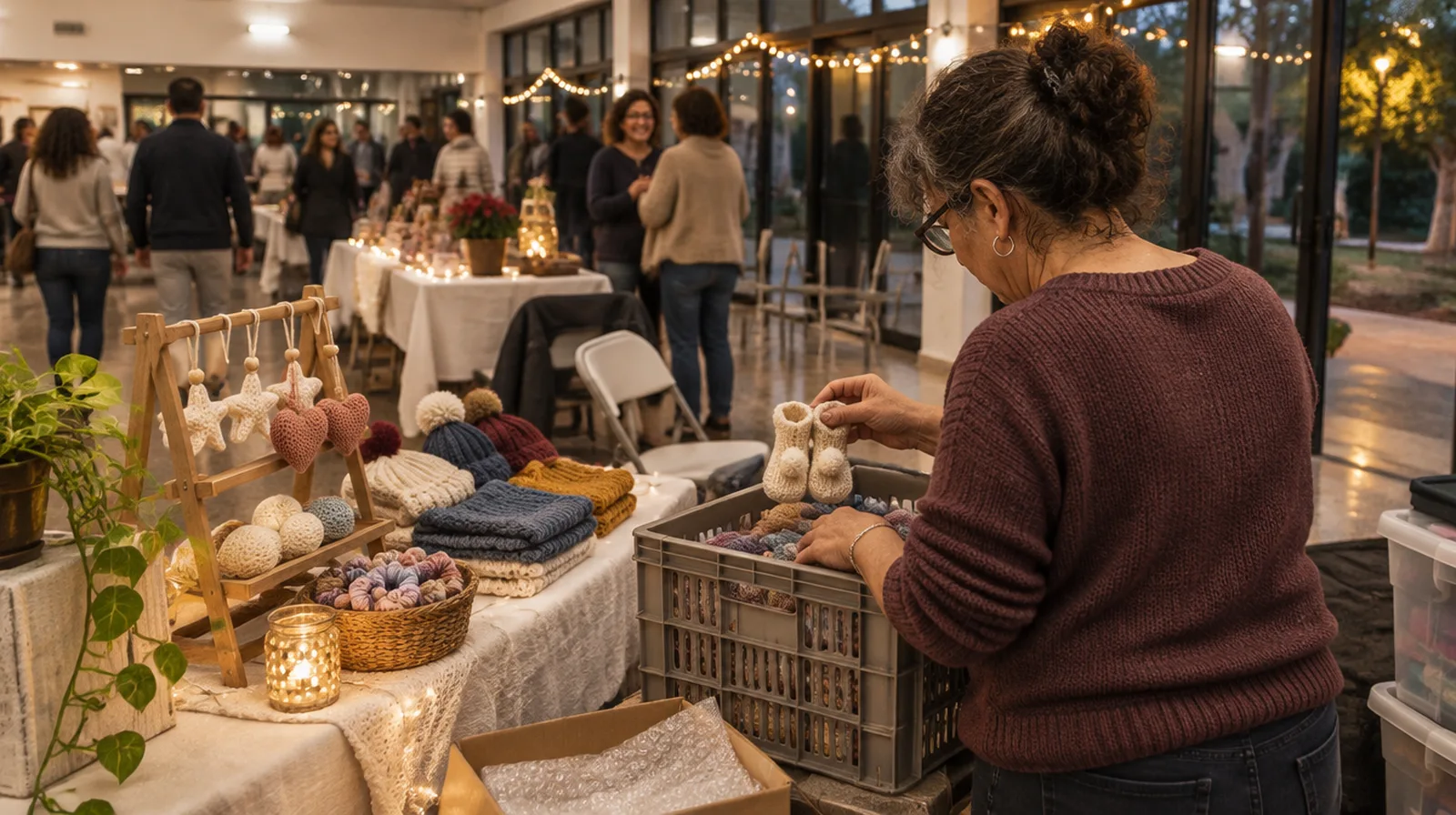
The night before: a prep list
- Phone and power bank charged.
- Products and prices up to date in the POS.
- One trial sale with mobile data switched off.
- Receipt printer charged and a roll of paper, if you print. And a receipt book as a backup.
- Cash for change, in coins and small notes.
- Price stickers on every item.
- A count list of what goes out.
- A small sign with the payment methods you accept.
- A receipt for the participation fee, in your documents file.
- Bags, wrapping paper and business cards with the business name and Instagram, for customers who'll order later.
A free POS for every place you sell Kupahinam runs in the browser on a phone, tablet or computer: 300 printed receipts a month, unlimited products, offline mode and a Z report (דוח Z) by email to your accountant. No credit card. Open your free POS
This information is based on the text of the Consumer Protection Law, the Business Licensing Law, the Business Licensing Order and the Income Tax directives (Maintenance of Accounting Books) as published to the public, as of November 2026. It is general and is not legal or tax advice. Licensing requirements vary between authorities, so before a fair or a first sale, check with the local authority and your accountant.
FAQ
Do I need a business license to sell at a fair?
An outdoor fair requires a license (item 7.7ז), and the license is the organizer's. A fair inside a building is held in a place that needs its own license. Selling outside a permanent structure is peddling, so at an outdoor fair ask the organizer whether its permit covers you. Selling food? Check with the local authority what is required of you.
I sell from home. Do I need a business license?
Only if the business type is in the Business Licensing Order. Preparing food for sale and delivery is. Customers coming to your home? Also check with the local planning and building committee whether you need a non-conforming-use permit.
A customer who bought on Instagram wants to return it. Do I have to accept?
Usually yes, within 14 days of receiving the product or the document with the deal details. You refund within 14 days, and may deduct up to 5% or ₪100, whichever is lower. There is no right to cancel for perishable goods or a product made specially for them.
Do I issue a receipt at a fair even if the customer didn't ask?
Yes. A receipt is issued for every payment, close to the payment, and a copy goes to the customer. It doesn't depend on their asking.
Will the POS work at a fair with no signal?
In a POS with offline mode, yes. Kupahinam includes it. Practice one sale without internet at home, before the day of the fair.
Written with AI help and fact-checked
Start free
One branch. One user. 300 receipts a month. ₪0 for the software.
Offline mode — keep selling when the internet drops
Start at ₪0 and grow with us whenever you’re ready: Register ₪79 or Smart POS ₪119 per branch per month + VAT — same account, all your data.
This content is published on a site run by KupaLi. General professional information does not replace advice suited to your business.